Enable AI & Agents
Manage AI access for your workspace.
By default, Hex's AI features are enabled at the workspace level. Hex Admins can disable AI features for their workspace in Settings > AI & agents. By disabling this setting you will disable all AI features in your workspace.
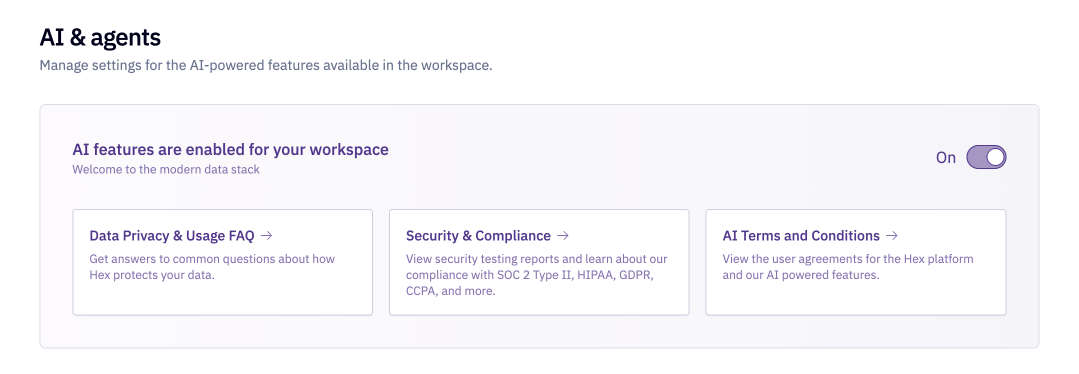
Allow agent web search
Admins can use the Allow agent web search toggle in Settings > AI & agents to control whether the agent can search the web when prompted. When this setting is turned off, agents will not be able to search the web or extract content from URLs that are shared in prompts.
Allow generative app web access
Control whether generative apps can open links in new tabs and load external HTTPS assets such as images, stylesheets, fonts, and map tiles. Remote JavaScript execution and runtime network requests are blocked regardless of this setting.